Top 15 Graphic Designing Tools in 2026 (Free & Paid) for Designers, Marketers & Creators
Discover top 15 graphic design tools in 2026
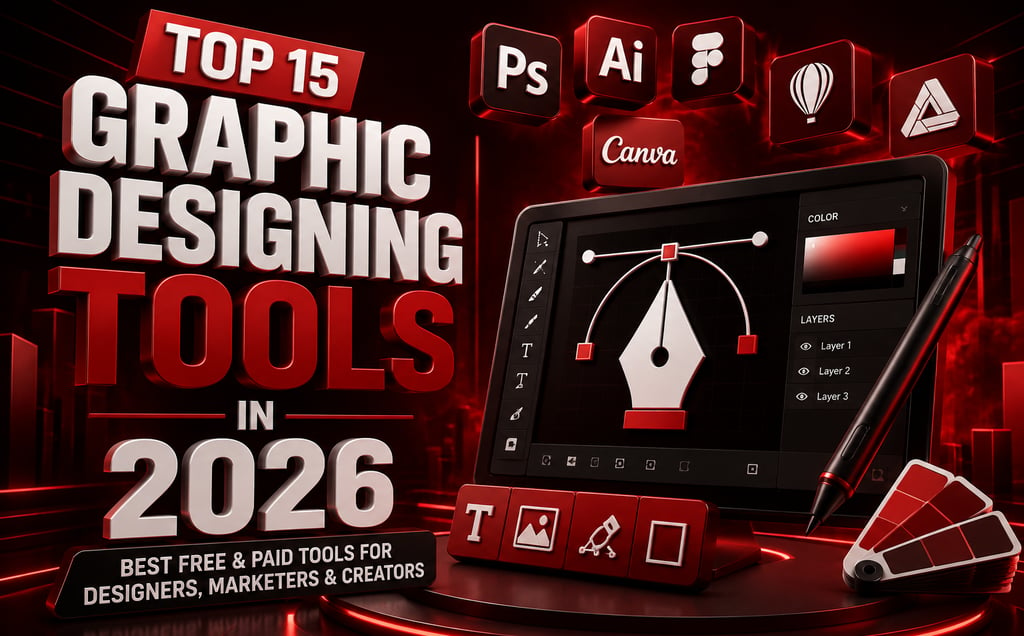

Top 15 Graphic Designing Tools in 2026: Best Free & Paid Design Software for Beginners, Designers & Marketers
Graphic design in 2026 is not only for professional designers. Today, creators, marketers, small businesses, startups, YouTubers, freelancers, and agencies use graphic design tools to create social media posts, YouTube thumbnails, logos, ads, presentations, website graphics, and branding assets.
The best graphic designing tools in 2026 include free and paid platforms for beginners, professionals, UI/UX designers, marketers, and content creators. Some tools are best for quick social media designs, while others are better for professional photo editing, vector graphics, branding, illustration, or AI-powered design.
If you are looking for the best graphic design software, free graphic design tools, AI graphic design tools, Canva alternatives, or professional design software in 2026, this guide will help you choose the right option.
Top 15 Graphic Designing Tools in 2026
1. Canva
Canva is one of the best graphic design tools for beginners, marketers, creators, and small businesses. It is useful for social media graphics, posters, presentations, videos, thumbnails, ads, and marketing creatives. Canva describes itself as a free-to-use online graphic design tool, and it also offers free templates and photo editing tools.
Best for: beginners, social media posts, marketing creatives, presentations.
2. Adobe Photoshop
Adobe Photoshop is one of the best professional graphic design software tools for photo editing, image manipulation, digital artwork, and advanced creative editing. It is ideal for designers who need detailed control over images, layers, retouching, and high-end visual editing.
Best for: professional photo editing and advanced design work.
3. Adobe Illustrator
Adobe Illustrator is one of the best tools for vector graphics, logo design, icons, packaging, posters, and brand identity design. Adobe positions its professional graphic design software for scalable artwork such as logos, icons, posters, packaging, and visuals for print, digital, and mobile use.
Best for: logos, vector graphics, branding, illustrations.
4. Figma
Figma is one of the best design tools for UI/UX design, website layouts, app interfaces, wireframes, and team collaboration. It is popular among designers, developers, startups, and product teams.
Best for: UI/UX, website design, app design, collaborative design.
5. Adobe Express
Adobe Express is a strong Canva alternative for quick social posts, videos, flyers, images, branded content, and ad creation. Its built-in ad maker makes it easy to design professional-looking ads without advanced design skills.
Best for: social media graphics, quick designs, short videos, branded content.
6. Photopea
Photopea is one of the best free Photoshop alternatives in 2026. It works directly in the browser and supports professional-grade photo editing without downloads.
Best for: free photo editing, PSD editing, Photoshop alternative.
7. Pixlr
Pixlr is a beginner-friendly online graphic design and photo editing tool. It is useful for quick edits, background removal, filters, templates, and social media graphics.
Best for: quick photo editing, social creatives, beginner editing.
8. GIMP
GIMP is one of the best free open-source graphic design tools. It is often used as a free alternative to Photoshop for image editing, retouching, and graphic manipulation.
Best for: free image editing, advanced photo editing, open-source design.
9. Inkscape
Inkscape is one of the best free vector graphic design tools. It is useful for logo design, SVG graphics, illustrations, icons, and scalable designs.
Best for: vector graphics, logos, illustrations, SVG design.
10. Krita
Krita is one of the best free tools for digital painting, illustration, concept art, and comic design. It is popular among artists and illustrators.
Best for: digital painting, comics, illustration, concept art.
11. Affinity
Affinity has become one of the strongest Adobe alternatives. Canva relaunched Affinity as a unified creative app combining photo editing, vector illustration, and layout tools, with reports noting its move to a free model for Mac and Windows users.
Best for: professional design, vector editing, photo editing, layout design.
12. CorelDRAW
CorelDRAW is a professional graphic design tool used for vector graphics, branding, print designs, typography, and layout work.
Best for: print design, branding, vector graphics.
13. VistaCreate
VistaCreate is a useful tool for social media posts, animated graphics, stories, ads, posters, and quick marketing designs.
Best for: social media templates, animated posts, marketing graphics.
14. Blender
Blender is one of the best free 3D design tools. It is used for 3D modeling, animation, rendering, product visuals, motion graphics, and cinematic designs.
Best for: 3D design, animation, product mockups, cinematic visuals.
15. CapCut
CapCut is mainly known as a video editing tool, but it is also useful for motion graphics, social media videos, reels, captions, and promotional content.
Best for: reels, video graphics, motion content, social media videos.
Best Graphic Design Tool for Beginners
The best graphic design tools for beginners are Canva, Pixlr, and VistaCreate. These tools are simple, template-based, and easy to use without advanced design skills.
Best Free Graphic Design Tools in 2026
The best free graphic design tools in 2026 are Canva, Photopea, GIMP, Inkscape, Krita, Blender, and Affinity. These tools are useful for students, freelancers, creators, marketers, and small businesses.
Best Professional Graphic Design Software
The best professional graphic design software includes Adobe Photoshop, Adobe Illustrator, Figma, CorelDRAW, and Affinity. These tools are better for advanced editing, branding, UI/UX design, vector work, and professional client projects.
Best AI Graphic Design Tools
For AI-powered design, Canva, Photoshop, and CapCut are strong options. These platforms are useful for quick content creation, image editing, background removal, social media design, and marketing visuals.
Final Thoughts
The best graphic designing tool in 2026 depends on your goal. If you want quick social media designs, Canva and Adobe Express are great choices. If you need professional editing, Photoshop, Illustrator, Affinity, and CorelDRAW are stronger options. If you want free graphic design software, Photopea, GIMP, Inkscape, Krita, Blender, and Affinity are worth trying.
For businesses, creators, and marketers in the US, using the right design tool can improve branding, engagement, content quality, social media performance, and digital marketing results.
At ScaleUp Marketing Solutions, we help businesses grow through SEO, social media marketing, blogging, branding, graphic designing, and AI visibility strategies.
Ready to Scale Your Brand Online?
Your audience is already searching online; let’s make sure they find your business first.
At ScaleUp Marketing Solutions, we help brands grow through SEO, social media marketing, content, branding, and digital strategies designed to increase visibility, traffic, and conversions.
Quick Links
Contact Us
Call: +91-9926753404
Email: contact@sumsmarketing.com
partner@sumsmarketing.com
WhatsApp us here