Top 6 Graphic Designing Tools in 2026 That Every Designer Must Know
Discover the top 6 graphic designing tools in 2026 including Canva, Photoshop, Figma, Illustrator, Affinity Designer, and Procreate. Learn which tools are best for beginners, professionals, UI UX designers, and digital artists.
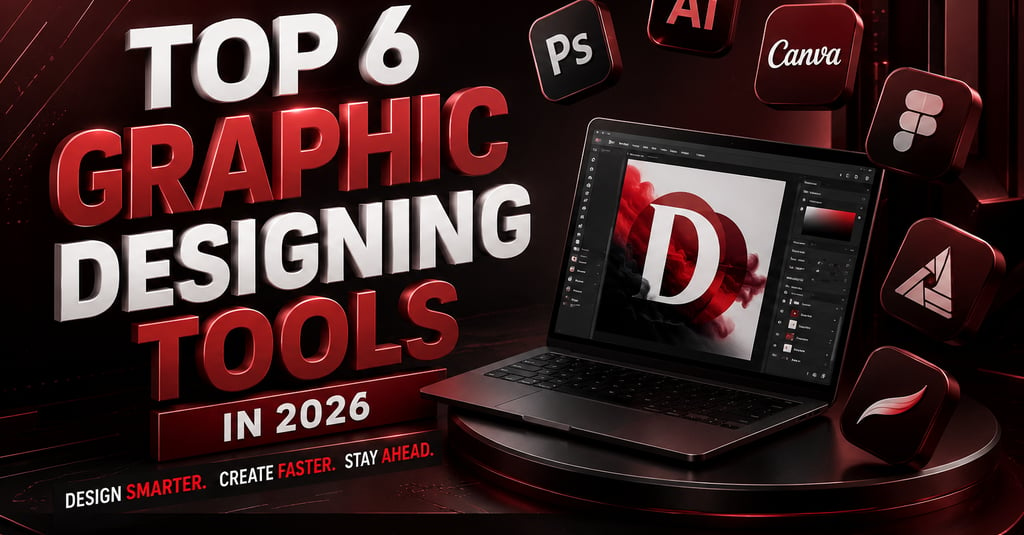
Top 6 Graphic Designing Tools in 2026 Every Designer Must Know
Graphic design in 2026 is no longer just about creating beautiful visuals. Today, designers are expected to create high-converting creatives, AI-powered visuals, social media graphics, UI/UX layouts, brand kits, marketing assets, and motion content faster than ever before.
Whether you are a freelancer, agency owner, social media manager, YouTuber, marketer, or business owner, choosing the right graphic design tools can completely transform your workflow.
In this blog, we will cover the top graphic designing tools in 2026 that are dominating the industry and helping creators design smarter, faster, and better.
Why Graphic Designing Tools Matter in 2026
Modern graphic design tools now include:
AI-powered design generation
Real-time collaboration
Smart resizing for social media
Brand consistency systems
Motion graphics support
Prompt-based editing
Cloud-based teamwork
AI is becoming deeply integrated into major platforms like Canva, Adobe, and Figma, helping designers automate repetitive tasks while improving speed and creativity.
1. Canva – Best Graphic Designing Tool for Beginners & Marketers
If there is one tool that completely changed the design industry, it is Canva.
In 2026, Canva is no longer just a drag-and-drop editor. With Canva AI features, the platform now supports prompt-powered designing, AI-generated layouts, background editing, smart templates, and even campaign creation.
Best Features of Canva
AI-powered Magic Design
One-click background remover
Social media templates
Presentation creation
Brand kits
Team collaboration
Video editing
AI image generation
Best For
Social media marketers
Small businesses
Beginners
Content creators
Agencies
Why Canva Is Trending in 2026
Canva helps users create professional designs without advanced graphic design skills. It is especially powerful for Instagram posts, YouTube thumbnails, ad creatives, presentations, and quick marketing visuals.
2. Adobe Photoshop – Best Tool for Professional Photo Editing
Adobe Photoshop remains the king of professional image editing in 2026.
From advanced retouching to cinematic poster creation, Photoshop is still one of the most powerful graphic design software options available. Adobe has added several AI-powered tools like Generative Expand and intelligent editing workflows.
Best Features
AI Generative Fill
Photo manipulation
Advanced layer editing
Cinematic poster creation
High-end retouching
Smart object workflows
Best For
Professional designers
Photographers
Thumbnail creators
Advertising agencies
Branding experts
Why Designers Still Love Photoshop
Despite newer AI tools entering the market, Photoshop remains unmatched for precision editing and creative control.
3. Figma – Best UI/UX Design Tool in 2026
Figma has become one of the most important tools for UI/UX designers and web teams.
Its real-time collaboration system allows designers, developers, and clients to work together on the same interface simultaneously. Figma is heavily used for website design, app interfaces, wireframing, and design systems.
Best Features
Real-time collaboration
Auto layout
Prototyping
UI/UX workflows
Design systems
Developer handoff tools
Best For
UI designers
Web developers
SaaS companies
Product teams
Agencies
Why Figma Is Growing Fast
Figma combines design, collaboration, and prototyping into one platform, making it one of the best graphic design tools for teams in 2026.
4. Adobe Illustrator – Best Vector Graphic Design Software
Adobe Illustrator remains the industry standard for vector graphics, logo creation, typography, and branding.
In 2026, Illustrator includes smarter AI workflows, better gradient rendering, and advanced vector generation tools.
Best Features
Vector logo creation
Typography design
Infinite scalability
Pen tool precision
AI-powered vector editing
Best For
Logo designers
Branding agencies
Print designers
Packaging design
Illustration artists
Why Illustrator Is Essential
If your work involves logos, branding, or scalable graphics, Illustrator is still one of the best professional graphic design software tools available.
5. Affinity Designer – Best Affordable Adobe Alternative
Affinity Designer has become one of the strongest alternatives to Adobe Illustrator.
Many freelancers and startups now prefer Affinity because it offers professional-grade design tools without expensive monthly subscriptions.
Best Features
One-time purchase
Professional vector editing
Smooth performance
Advanced grids and snapping
Low system usage
Best For
Freelancers
Budget-conscious designers
Startup agencies
Students
Why Affinity Designer Is Popular
It delivers professional-level capabilities at a much lower cost compared to Adobe subscriptions.
6. Procreate – Best Graphic Designing Tool for Digital Artists
Procreate has become the favorite tool for illustrators, digital painters, and iPad artists.
Its smooth interface, responsive brush engine, and portability make it one of the best creative tools in 2026.
Best Features
Natural drawing experience
Thousands of brushes
Time-lapse recording
Fast rendering
Apple Pencil optimization
Best For
Illustrators
Digital artists
NFT creators
Comic artists
Creative freelancers
Why Artists Love Procreate
It gives artists a studio-quality illustration experience directly on an iPad.
Which Graphic Designing Tool Should You Choose?
For Social Media Graphics
Canva is one of the best options for quick, high-quality marketing creatives.
For Professional Photo Editing
Adobe Photoshop remains the best choice for advanced editing and manipulation.
For UI/UX Design
Figma is highly recommended for interface design and collaboration.
For Logo & Branding
Adobe Illustrator remains the industry standard for vector-based branding work.
For Budget-Friendly Design
Affinity Designer provides excellent features at a much lower cost.
For Digital Illustration
Procreate is one of the best tools available for digital artists and illustrators.
Future of Graphic Designing in 2026
The future of graphic design is heavily influenced by AI-assisted creativity, collaborative workflows, and faster content production.
Modern tools are now helping designers:
Generate concepts instantly
Resize creatives automatically
Create brand-consistent content
Collaborate remotely
Build designs using prompts
However, creativity, storytelling, and branding strategy still require human thinking. AI tools are becoming assistants, not replacements.
Final Thoughts
Graphic designing in 2026 is evolving rapidly, and staying updated with the latest tools can give designers a huge competitive advantage.
If you are just starting, Canva or Figma can be great options.
If you want professional-level editing, learning Photoshop and Illustrator is highly recommended.
If you are an artist, Procreate is one of the best investments you can make.
And if you want affordability with professional power, Affinity Designer is an excellent choice.
The best designers in 2026 are not just creative — they are also fast, adaptable, AI-aware, and multi-platform ready.
Ready to Scale Your Brand Online?
Your audience is already searching online; let’s make sure they find your business first.
At ScaleUp Marketing Solutions, we help brands grow through SEO, social media marketing, content, branding, and digital strategies designed to increase visibility, traffic, and conversions.
Quick Links
Contact Us
Call: +91-9926753404
Email: contact@sumsmarketing.com
partner@sumsmarketing.com
WhatsApp us here